
 H. UpmannMagnum 464.0 / 5 · 11 ratings
Connected to your computer. The result will show there too.
Cigar scanner
Identify any cigar online from a photo of its band. Free, no app needed.
Point at the band. Know the cigar. Free, no app needed.
Drag a photo of your cigar here
or paste it with ⌘V · JPG, PNG or HEIC
How to take a good photo
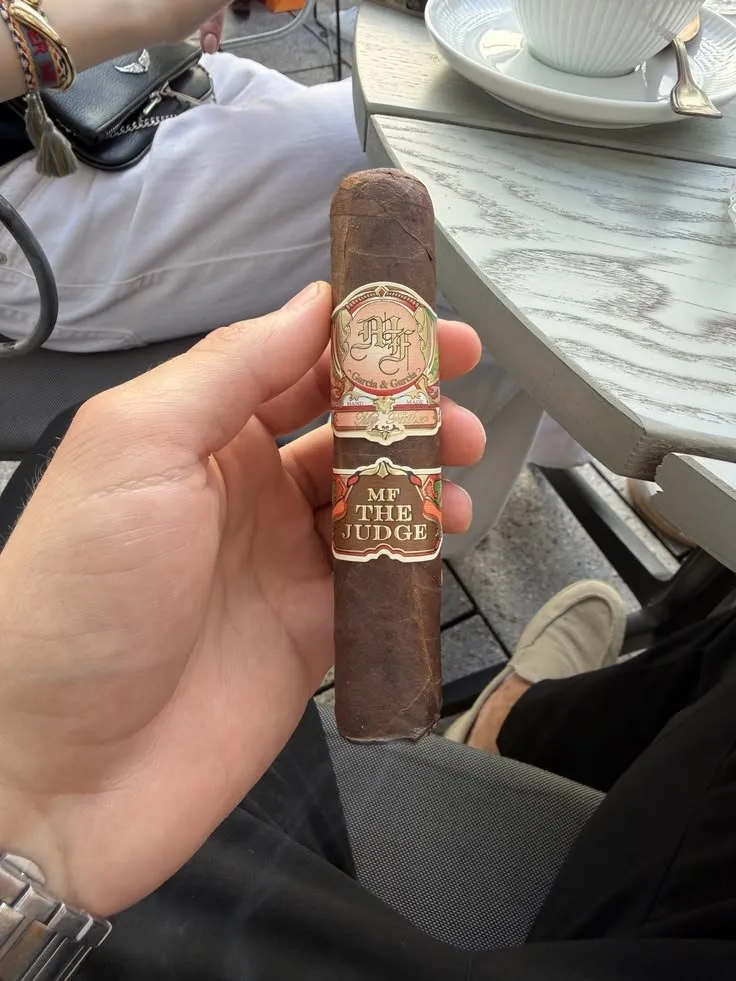
Whole cigarBand facing you
Too closeStep back a little
Too darkTurn on a light
CIGARIO AI
Photo received
Reading the band
Matching the Cigario catalog
ABOUT THE BRAND Cigario library
Read the brand storyWhich one is it?
The band matches several cigars. Pick yours.
How to identify a cigar from a photo
- Photograph the cigarThe whole cigar, band facing the camera. On a computer, drop the photo here or scan the QR code with your phone.
- Cigario reads the bandIt zooms onto the band, reads the brand and line, and matches them against 3,106 cigars in the catalog.
- Open the cigar’s pageSize, origin, strength, flavor notes and reviews from smokers. When two sizes look alike, you pick yours.
What the scan tells you
- Brand and lineThe exact cigar, not just the maker.
- Size and vitolaRobusto, Toro, Gordo, with length and ring gauge. Cigar sizes explained
- Country of originWhere it was made, checked against the brand. Cigars by origin
- Strength and flavorsFrom mild to full, and the notes to expect. How to taste a cigar
- Smoker reviewsRatings from people who smoked it.
- The brand’s storyWho makes it, from the Cigario brand library.
Cigars people scan and rate
All cigars ›H. UpmannMagnum 464.0 / 5 · 11 ratings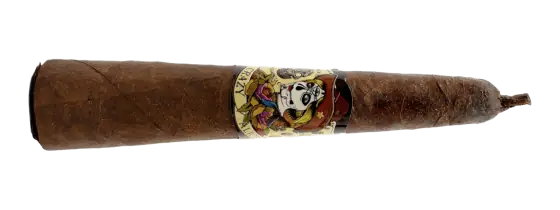 Drew EstateDeadwood Grazy Alice 4x524.0 / 5 · 9 ratings
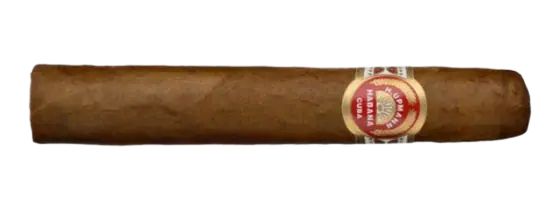 H. UpmannConnoisseur No. 13.9 / 5 · 9 ratings
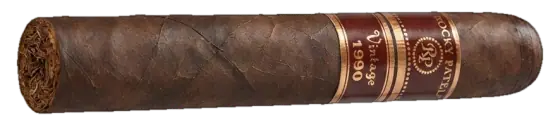 Rocky Patel Premium CigarsRocky Patel Vintage 19903.9 / 5 · 9 ratings
 PERDOMO10th Sun Grown3.8 / 5 · 9 ratings
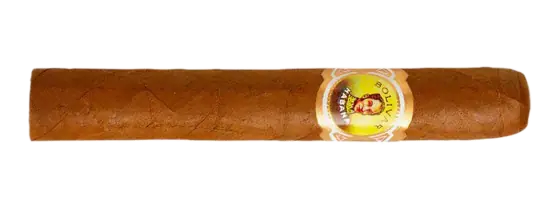 BolívarPetit Coronas3.6 / 5 · 9 ratings
 MontecristoEdmundo4.0 / 5 · 8 ratings
 MontecristoNO.43.9 / 5 · 8 ratings
Popular cigar brands
Questions about the cigar scanner
How do I identify a cigar online?
Open this page, then drag in a photo of the cigar, paste it, or tap Choose a photo. On a phone, tap Take a photo. Cigario reads the band and shows the cigar: brand, line, size and origin.
Do I need an app or an account to scan a cigar?
No. The scanner works in any browser on a computer or phone, without an account. You only sign in when you want to save something, like a wishlist or a new cigar for the catalog.
Can I use my phone camera with the scanner on my computer?
Yes. Scan the QR code on this page with your phone camera and the scanner opens on your phone. Take the photo there and the result appears on both screens.
What photo works best?
The whole cigar in the frame with the band facing the camera, in soft, even light. One cigar per photo. Very close or dark photos make the band hard to read.
What if the cigar is not in the catalog?
The scanner still shows what it read from the band. Signed in, you can add the cigar to the Cigario catalog in one tap, and we make a clean catalog photo from your snapshot.
Can the scanner tell if a Cuban cigar is fake?
No. It identifies the cigar from its band, it does not authenticate it. Our guide on spotting fake Cuban cigars covers what to check.
Is my photo stored?
A scan without an account does not keep your photo. When you add a new cigar to the catalog, the photo is used to make its catalog picture.
The same scanner in the free app
Scan in the shop or the lounge, keep your cigars in a humidor and write tasting notes. About the Cigario scanner app · How to identify a cigar by eye